Fine-tuning MedGemma on your own data
Google released MedGemma in mid-2025 and updated it to 1.5 in January 2026. It’s their open medical AI model, built on Gemma 3, that handles both clinical text and medical images. The 4B parameter version runs on a single GPU. The 27B version needs more hardware but handles complex imaging tasks like radiology reads. Both are on Hugging Face.
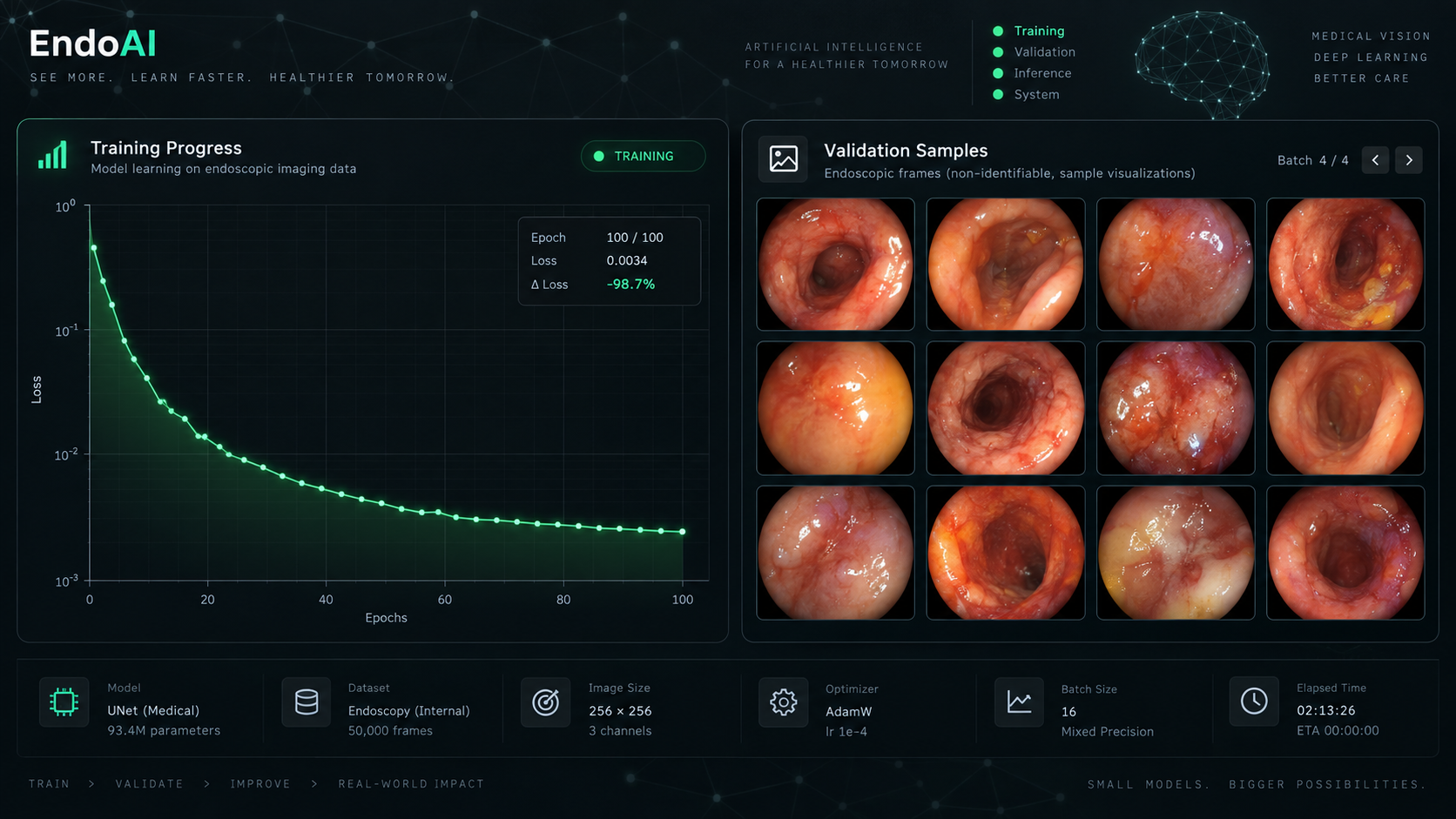
I fine-tuned the 4B model on a custom dataset of annotated endoscopy images. Here’s what worked and what didn’t.
Why fine-tune at all
The base MedGemma models are trained on PubMed, medical textbooks, and de-identified clinical records. They’re good at general medical Q&A out of the box. But if you have a specific imaging task, like classifying polyp morphology in colonoscopy frames, the base model gives vague answers. Fine-tuning with even 500 annotated examples made the responses specific enough to be useful.
The technical report from Google’s health team shows the model architecture: MedGemma 4B multimodal combines SigLIP (their medical image encoder) with a Gemma 3 language decoder. The image encoder maps pixel data to tokens that the language model processes alongside text. When you fine-tune, you’re mostly updating the language model’s weights to map those image tokens to your domain’s vocabulary.
Setting up the fine-tune
The official notebook at google-health/medgemma covers the basics. I ran on an A100 80GB through Colab Pro. The 4B model fits in 16-bit on the A100 with room for LoRA adapters and a batch size of 4.
Requirements:
pip install transformers peft accelerate bitsandbytes datasets
pip install torch torchvision
The key LoRA config:
from peft import LoraConfig, get_peft_model

lora_config = LoraConfig(
    r=16,
    lora_alpha=32,
    target_modules=["q_proj", "v_proj", "k_proj", "o_proj"],
    lora_dropout=0.05,
    bias="none",
    task_type="CAUSAL_LM",
)

model = get_peft_model(model, lora_config)
Rank 16 was a sweet spot. Rank 8 underfit on my dataset. Rank 32 didn’t improve accuracy but doubled training time. I targeted all four attention projection matrices. Some guides only target q_proj and v_proj, but including k_proj and o_proj gave me a 3% accuracy bump on my validation set.
Data formatting
MedGemma expects a conversation format with image tokens. Each training example looks like:
{
  "messages": [
    {
      "role": "user",
      "content": [
        {"type": "image", "url": "path/to/endoscopy_frame.jpg"},
        {"type": "text", "text": "Classify the polyp morphology in this image."}
      ]
    },
    {
      "role": "assistant",
      "content": "Sessile polyp, Paris classification 0-Is, approximately 8mm, located in the ascending colon. Surface pattern suggests tubular adenoma."
    }
  ]
}
I converted my labeled dataset into this format with a Python script. The image paths can be local files or URLs. Images should be at least 224x224; the SigLIP encoder resizes internally but lower resolution images lose diagnostic detail.
Training
Three epochs was enough. The loss curve flattened after epoch 2, and running to epoch 5 caused the model to memorize training labels rather than learn features. With 500 images, each epoch took about 12 minutes on the A100.
from transformers import TrainingArguments, Trainer

training_args = TrainingArguments(
    output_dir="./medgemma-polyp-lora",
    num_train_epochs=3,
    per_device_train_batch_size=4,
    gradient_accumulation_steps=4,
    learning_rate=2e-4,
    warmup_steps=50,
    logging_steps=10,
    save_strategy="epoch",
    fp16=True,
)
Learning rate of 2e-4 with a warmup period. Higher rates (1e-3) destabilized training. Lower rates (1e-5) barely moved the weights with LoRA. The warmup helps because the LoRA adapters start at zero and need a few steps to find a useful gradient direction.
Results
On my 100-image test set, the fine-tuned model went from 41% classification accuracy (base MedGemma) to 78%. Not clinical-grade, but useful as a second-opinion triage tool. The model still hallucinates occasionally, calling a hyperplastic polyp an adenoma, but the frequency dropped from about 1 in 3 to about 1 in 10.
The merged model (LoRA weights applied back to the base) is about 8GB. I serve it behind a FastAPI endpoint for our internal annotation tool. Response time is around 2 seconds per image on an A10G.
Watch out for
You need a Hugging Face access grant. MedGemma requires agreeing to Google’s usage terms before you can download the weights. Apply at the model page. Approval is usually within a day.
Medical AI has regulatory constraints. A fine-tuned model is not a medical device. I use it as a research tool to pre-filter training data, not for patient care decisions. If you’re building something patient-facing, you need FDA clearance or equivalent, and that’s a different kind of project entirely.
The 27B model is better for multi-image reasoning. The MedGemma 1.5 update improved multi-image and longitudinal reasoning. If you need to compare a patient’s scans over time, the 27B model handles that context. The 4B model processes one image at a time.
DataCamp has a solid MRI tutorial that covers a different imaging domain (brain MRI). Comparing their LoRA settings with mine helped me find better hyperparameters. Worth reading if you’re starting from scratch.
The broader picture: open medical models are at a point where a single developer with annotated data and a few hundred dollars in compute can build something useful. That was impossible two years ago. The gap between “interesting research” and “tool I’d trust” is still large, but it’s getting smaller with each release.